How to Install Portainer on a Dedicated Server (Ubuntu 24.04 Docker Guide)

Manage Docker Containers From Your Browser With Portainer
Running containers on a dedicated server gives you full hardware performance, but managing them only through the command line can slow you down as your setup grows.
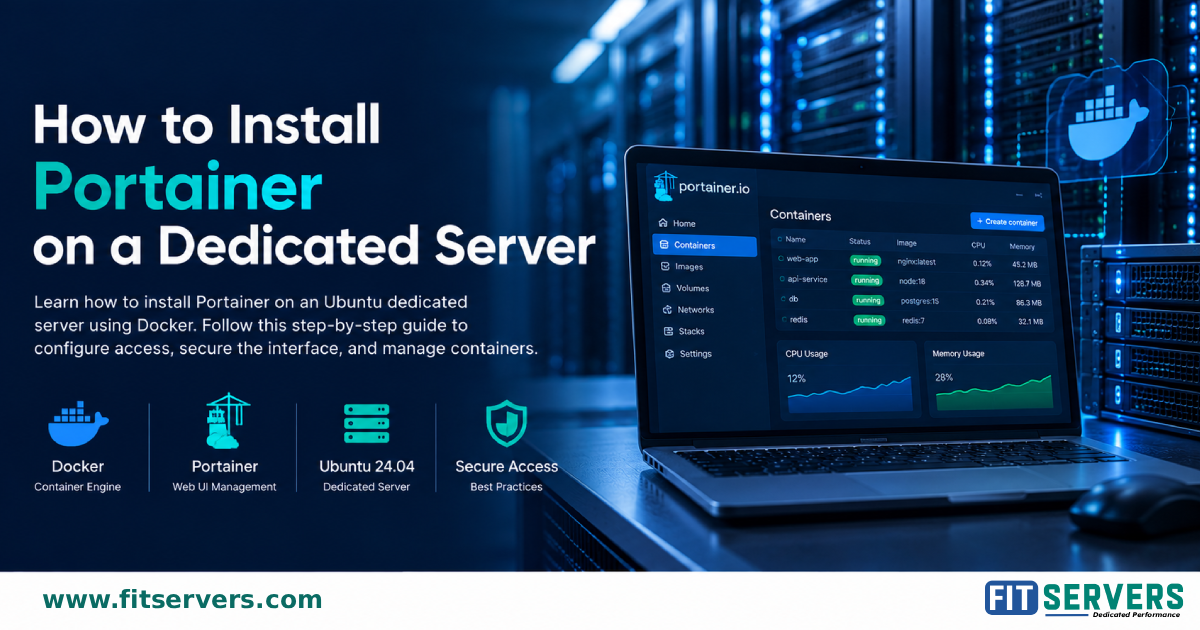
Portainer is a web-based dashboard for Docker. With it you can:
- View running and stopped containers
- Read container logs
- Manage images, volumes and networks
- Start, stop, restart and remove containers
What this tutorial covers
- Installing Docker Engine on Ubuntu 24.04 from the official repository
- Creating a persistent
portainer_datavolume - Deploying Portainer CE (LTS) on HTTPS port 9443
- Securing access with firewall rules or an SSH tunnel
- Testing, backing up and updating Portainer
- Troubleshooting common problems
Security tip
Portainer uses the Docker socket, which can give wide control over the host. Only allow trusted IPs or a VPN to reach the management port.
Read the full tutorial
Every command, explanation and FAQ is in the complete guide:
https://www.fitservers.com/tutorials/howto/install-portainer-dedicated-server/
Originally published on Fit Servers (fitservers.com).
Portainer en el 9443 con HTTPS por defecto está bueno, pero el detalle del socket de Docker es el que muchos ignoran y es donde te pueden abrir la puerta completa del host. Lo del túnel SSH en vez de exponer el puerto lo probaste con un server real? Porque ahí es donde la diferencia se nota.