How Online Status Reporting Tools Simplify Daily Team Progress
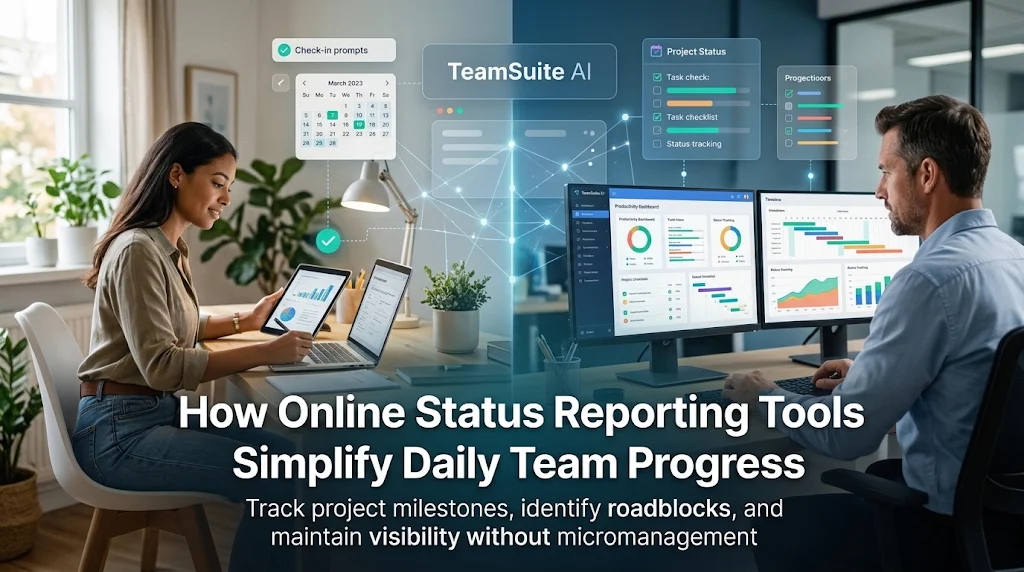
Keeping everyone on the same page can feel like a full-time job when team members work across different time zones. Managers spend hours asking for updates, scrolling through long chat threads, or holding daily check-in meetings that drain productive energy. TeamSuite AI helps growing businesses organize daily communication and project milestones through automated team workflows. Using dependable online status reporting tools allows distributed companies to share daily wins, identify bottlenecks, and maintain clear visibility without micromanaging.
This guide explains how status reporting software works, essential features to look for, and how your team can adopt a smooth reporting habit.
What Are Online Status Reporting Tools?
Online status reporting tools are web platforms that help employees record and share their daily or weekly work updates in one central place. Instead of typing random paragraphs into chat apps or filling out bulky spreadsheets, workers answer simple, structured prompts.
These check-ins usually focus on three core questions:
- What tasks did you finish today?
- What are you planning to work on tomorrow?
- Are any blockers or delays slowing you down?
Managers can scan these concise summaries in minutes. This asynchronous system gives everyone complete clarity without interrupting deep, focused work.
Why Traditional Status Meetings Fall Short
Many companies still rely on thirty-minute morning calls or manual emails to track progress. Over time, these legacy habits create several workplace friction points.
1. Meeting Fatigue and Lost Focus
Stopping work for a live video call breaks concentration. It takes an employee an average of twenty minutes to get back into a productive flow after a minor interruption.
2. Time Zone Conflicts
For global or distributed teams, finding a live meeting time that suits employees in New York, London, and Lahore is difficult. Someone always ends up joining late at night or early in the morning.
3. Forgotten Roadblocks
When challenges are shared verbally during a busy call, they rarely get written down. Important issues get forgotten until deadlines are already missed.
4. Zero Searchable History
Chat messages and phone calls disappear from daily focus quickly. Without a structured platform, leaders cannot look back to see when a project started slowing down.
Key Features to Look for in Status Reporting Software
The right platform should make submitting an update effortless for employees while giving leaders clear, actionable summaries.
1. Automated Prompts and Reminders
Look for software that pings team members at a set time via email, web app, or chat. Automatic reminders make sure reports are submitted consistently.
2. Customizable Question Templates
Different teams need different insights. A software engineering team might focus on sprint tasks and bugs, while a marketing team tracks content deadlines and campaign metrics. Flexible templates make this easy.
3. Visual Blocker Tracking
Catching roadblocks early is vital for meeting deadlines. The platform should clearly highlight flagged blockers so managers can step in immediately to help.
4. High-Level Summary Dashboards
Leaders need an overview that shows team participation, completed milestones, and pending tasks without having to open individual documents.
5. Smart Work Integrations
Connecting status forms to existing task boards, calendars, and project lists saves extra typing. If you want to explore smart ways to eliminate manual paperwork, check out this guide on how to automate daily work reports and save hours every week for your team.
How to Roll Out Status Reporting in 4 Simple Steps
Adopting new software works best when the process feels lightweight and respectful of everyone's time.
Step 1: Keep Questions Short
Limit daily check-ins to three or four straightforward questions. When a report takes under three minutes to complete, employees submit it reliably.
Step 2: Set Consistent Submission Times
Decide whether updates should arrive at the start of the morning shift or right before clocking out in the evening. Setting a steady routine builds accountability.
Step 3: Acknowledge and Address Blockers
If an employee flags a problem in their daily note, acknowledge it promptly. When workers see that reports lead to fast support from leadership, they participate honestly.
Step 4: Replace One Live Meeting First
Do not change everything overnight. Start by canceling one recurring standup meeting and replacing it with an asynchronous status check. Once the team experiences the time savings, they will happily adopt the new routine.
Real-World Case Studies
Case Study 1: A Distributed Web Design Agency
A web agency with twelve remote employees held daily thirty-minute Zoom check-ins every morning. Designers complained that calls broke their creative flow, and account managers still struggled to track project handoffs.
The agency introduced automated end-of-day status forms with three simple prompts: completed deliverables, upcoming tasks, and asset needs.
- Reclaimed two and a half hours of productive time per employee each week.
- Cut morning standup calls entirely, saving billable client hours.
- Allowed project managers to spot missing client assets twelve hours earlier.
Case Study 2: A Growing Customer Support Company
A remote support team operated across multiple shifts. Team leaders found it difficult to understand queue backlogs and hand off open tickets between daytime and evening staff.
The company implemented asynchronous shift-handover reporting. Agents submitted a two-minute report detailing ticket volumes and tricky customer cases before ending their shift.
- Reduced shift handover confusion and ticket drop-offs.
- Provided managers with clear documentation of high-volume support days.
- Improved team collaboration across rotating weekend shifts.
Best Practices for Healthy Workplace Visibility
Technology should build trust, not anxiety. Keep these healthy guidelines in mind:
- Focus on progress, not paragraphs: Value clear, bulleted takeaways over long, formal essays.
- Avoid micromanagement: Use updates to remove hurdles and balance workloads, not to monitor every minute of a person's day.
- Encourage transparency: Praise team members who honestly flag blockers early rather than hiding problems until the last minute.
- Review team trends regularly: Use weekly report rollups to celebrate milestones and refine next week's project priorities.
Frequently Asked Questions (FAQs)
1. What is the difference between project management tools and status reporting software?
Project management software tracks overarching task boards and roadmaps. Status reporting software focuses on how individuals are feeling, what they completed today, and what help they need right now.
2. How much time should a daily status report take?
A well-designed daily status update should take between two and five minutes to fill out. If it takes longer, the questions are likely too complicated.
3. Can small teams benefit from status reporting tools?
Yes. Even teams with three to five members save valuable time by sharing asynchronous updates instead of scheduling recurring phone calls.
4. How do automated reports help remote workers?
They give remote employees a reliable channel to showcase their hard work, receive timely help with blockers, and disconnect at the end of the day without lingering work questions.
5. Will employees feel micromanaged by daily reports?
Not if the purpose is clearly explained. Frame status updates as a way to eliminate unnecessary meetings and clear roadblocks, rather than an inspection tool.
Conclusion
Managing a growing team does not require endless video calls or complicated spreadsheets. Modern online status reporting tools give leaders the clear visibility they need while giving workers the freedom to focus on high-impact work.
By asking simple questions, catching project delays early, and respecting your team's time, you build a workplace culture grounded in clarity and trust. Choosing the right reporting solution helps your business stay organized, cut wasted meeting hours, and hit project goals with confidence.