Publix Passport: A Complete Guide for Publix Associates
Working at a large grocery retailer means juggling schedules, paychecks, benefits, and company news. Publix Passport is the online portal that brings these essentials into one place, so associates can manage work details from home, on a break, or on the go.
What Is Publix Passport?
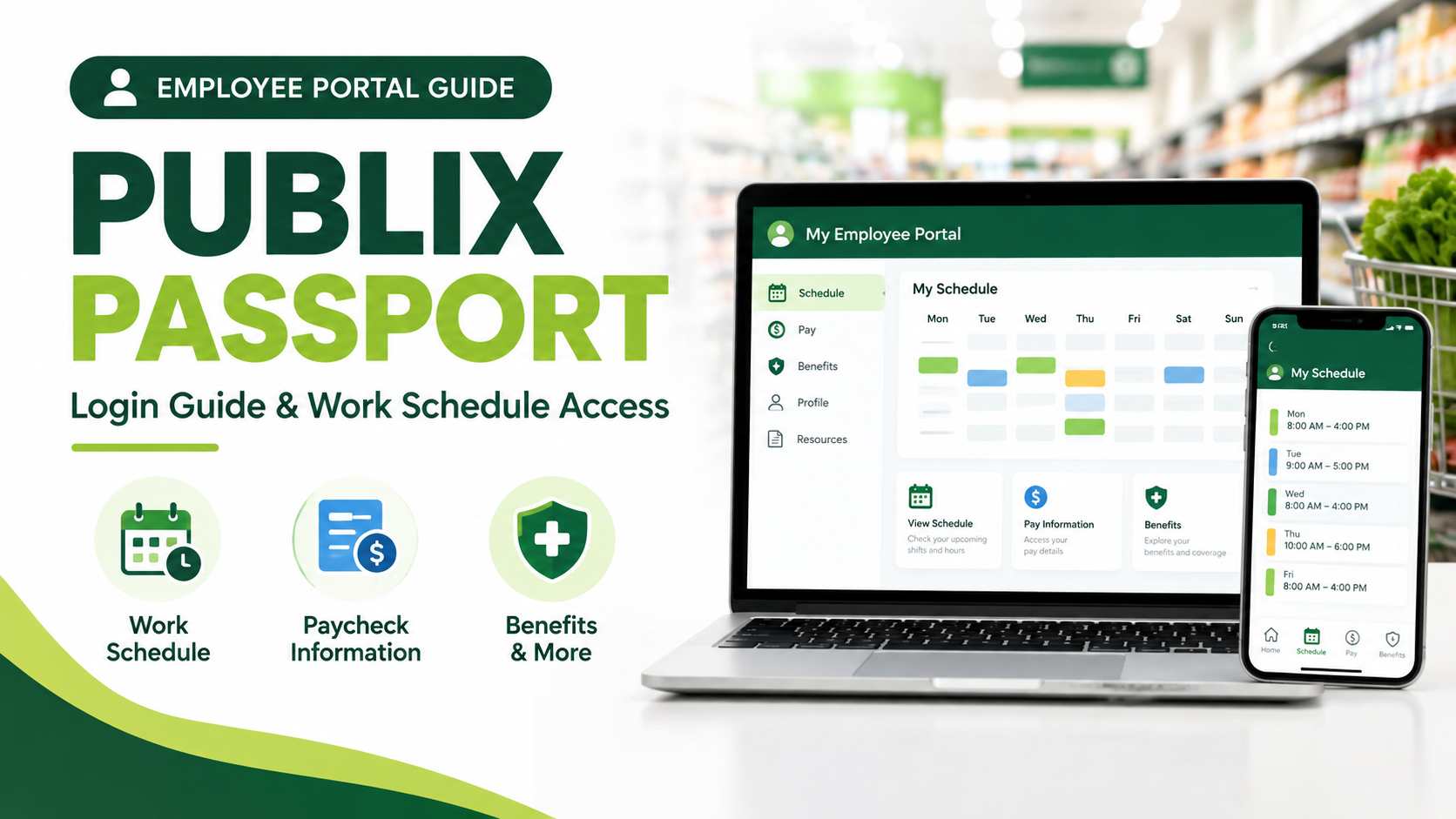
Publix Passport is the employee portal for associates of Publix Super Markets. It gives team members secure access to work-related information without having to visit a manager or HR office. If you are new to the system, you can follow this publix passport guide for help finding the login page and getting started.
The portal is designed to be simple. Whether you work in the deli, bakery, produce department, or at the registers, you can use it to stay informed about your job and your benefits.
Key Features of Publix Passport
Here is what associates can typically do through the portal:
View work schedules: Check your upcoming shifts and plan your week around them.
Access pay information: Review pay stubs and earnings history.
Manage benefits: Look up health, retirement, and other company benefit details.
Read company news: Stay current on announcements and updates.
Update personal details: Keep your contact information accurate.
Available features can vary by role and location, so some associates may see different options than others.
How to Log In to Publix Passport
Logging in is straightforward:
Open a web browser on your computer, tablet, or phone.
Go to the official Publix Passport login page.
Enter your associate username or ID.
Type in your password.
Click the login button to reach your dashboard.
If you are logging in for the first time, you may need to complete a registration or verification step. Have your associate ID ready, and keep your login credentials private.
Tips for a Smooth Experience
A few habits make using the portal easier:
Use a strong password. Combine letters, numbers, and symbols, and avoid reusing passwords from other sites.
Log out on shared devices. If you use a public or family computer, always sign out when you finish.
Check your schedule regularly. Shifts can change, so look at the portal often.
Keep your information current. An outdated phone number or address can delay important notices.
Beware of phishing. Never share your password by email or text, and only enter credentials on the official site.
Why Publix Passport Matters
For associates, convenience and transparency matter. Being able to see a schedule or pay stub at any hour saves time and reduces confusion. It also helps you plan childcare, school, transportation, and other commitments. For a company with thousands of employees, a central portal keeps communication consistent and efficient.
Frequently Asked Questions (FAQs)
What is Publix Passport used for?
It is an online portal where Publix associates can view schedules, pay information, benefits, and company news.Who can use Publix Passport?
It is intended for current Publix associates. Access is generally tied to your employment and associate ID.I forgot my password. What should I do?
Use the password recovery option on the login page. If that does not work, contact your store manager or the Publix support team for help.Can I access Publix Passport on my phone?
Yes. The portal can generally be opened from any device with an internet connection and a modern browser.Why can’t I see my schedule?
Schedules may not be posted yet, or your account may need verification. Check back later, and if the problem continues, ask your manager.Is Publix Passport safe to use?
Yes, when you use the official site and protect your credentials. Avoid public Wi-Fi for sensitive logins and never share your password.Can I view old pay stubs?
Typically, the portal keeps a record of recent pay information, though how far back it goes may vary.
Conclusion
Publix Passport makes life easier for associates by putting schedules, pay details, benefits, and news in one secure place. By logging in correctly, protecting your credentials, and checking the portal regularly, you can stay organized and informed about your job. If you ever run into trouble, your store manager and the official support channels are there to help. A few minutes of familiarity with the portal can save hours of hassle later.