How to Partition Bare-Metal NVIDIA GPUs using MIG for Docker Containers
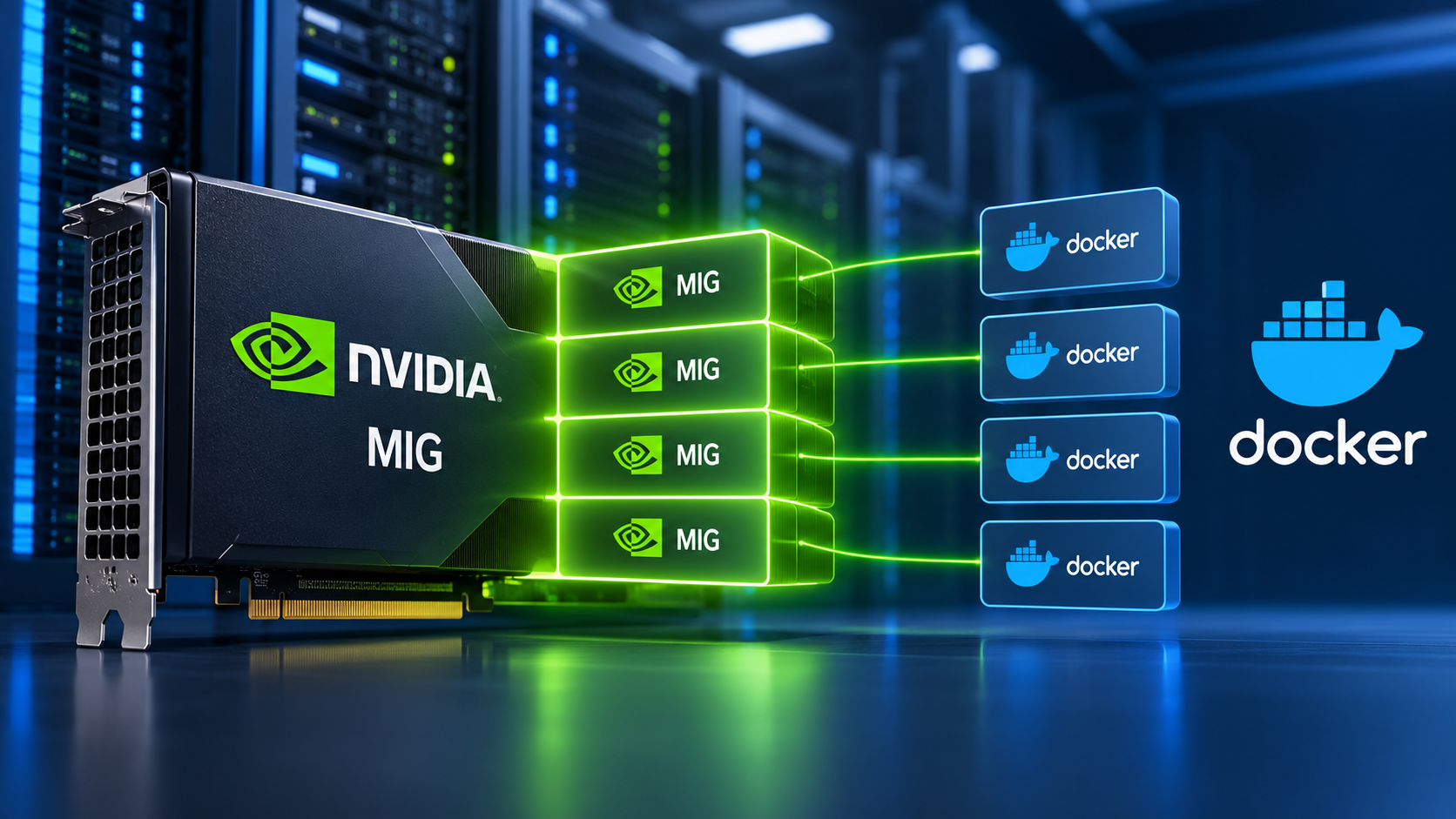
When deploying high-performance bare-metal servers for AI workloads, optimizing compute density is critical. Allowing a single Docker container to consume an entire $15,000 A100 or H100 GPU leads to massive inefficiencies.
The Multi-Instance GPU (MIG) Advantage
NVIDIA MIG technology fundamentally alters how bare-metal operating systems interact with GPU silicon. Unlike software time-slicing (which offers zero memory isolation) or MPS (Multi-Process Service), MIG physically partitions the GPU into up to seven distinct hardware profiles. Each slice receives dedicated L2 cache, crossbars, memory controllers, and CUDA cores, guaranteeing strict Quality of Service (QoS).
A Complete Step-by-Step Tutorial
In this EPY Host engineering guide, we demonstrate how to configure and deploy isolated MIG partitions for Docker containers on Ubuntu and AlmaLinux systems.
The comprehensive guide covers:
Hardware Preparation: Enabling MIG mode via nvidia-smi and handling warm GPU resets.
Profile Provisioning: Listing GPU instance profiles and provisioning heterogeneous slices (e.g., mixing 3g.40gb slices with 1g.10gb slices).
Runtime Configuration: Installing the NVIDIA Container Toolkit and enabling the MIG strategy in the Docker runtime.
Container Deployment: Mapping long-form MIG UUID identifiers to specific Docker containers or Docker Compose services to run isolated workloads (like Ollama or vLLM).
Fault Verification: Proving hardware isolation by triggering an Out-Of-Memory (OOM) exception in one slice while monitoring the stability of neighboring slices.
Maximize your AI hardware's potential by building a hyper-efficient compute stack today.
Read the complete technical tutorial on EPY Host:
🔗 https://www.epyhost.com/tutorials/howto/partition-bare-metal-nvidia-gpus-mig-docker/