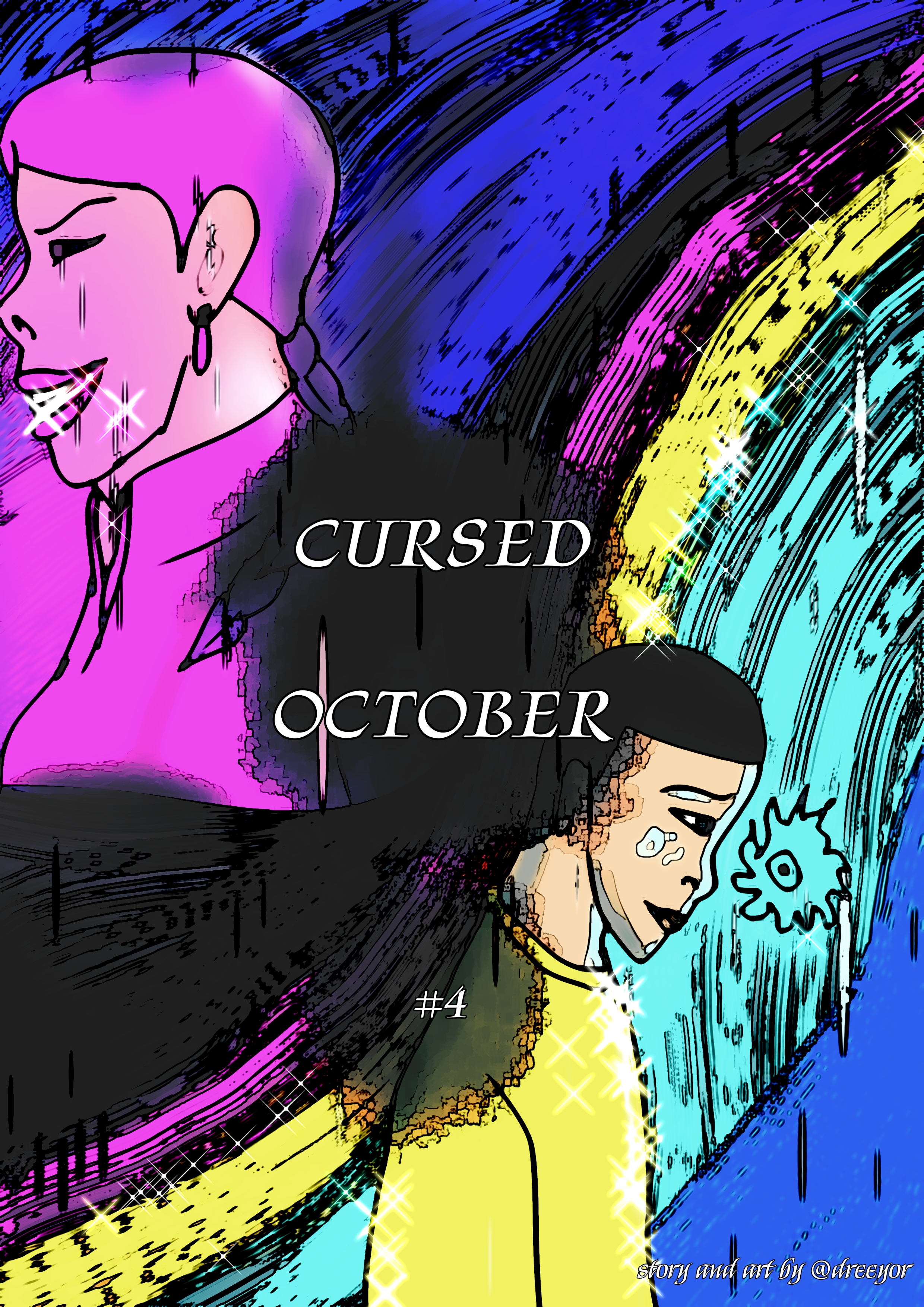
CURSED OCTOBER: CHAPTER #4 - the apple was a curse
PREVIOUS CHAPTER:
CURSED OCTOBER: CHAPTER #3 - Chased down to an Apple
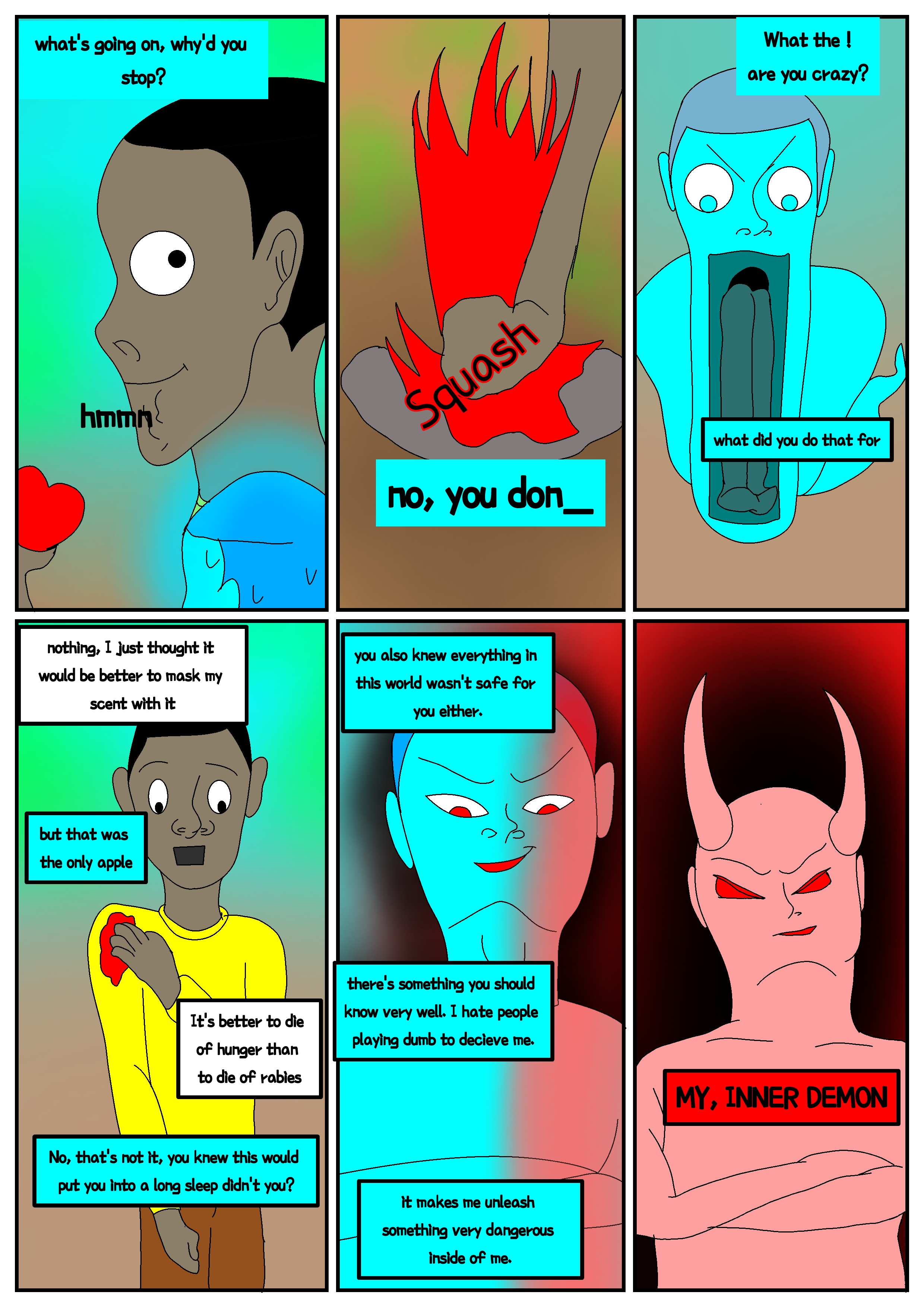
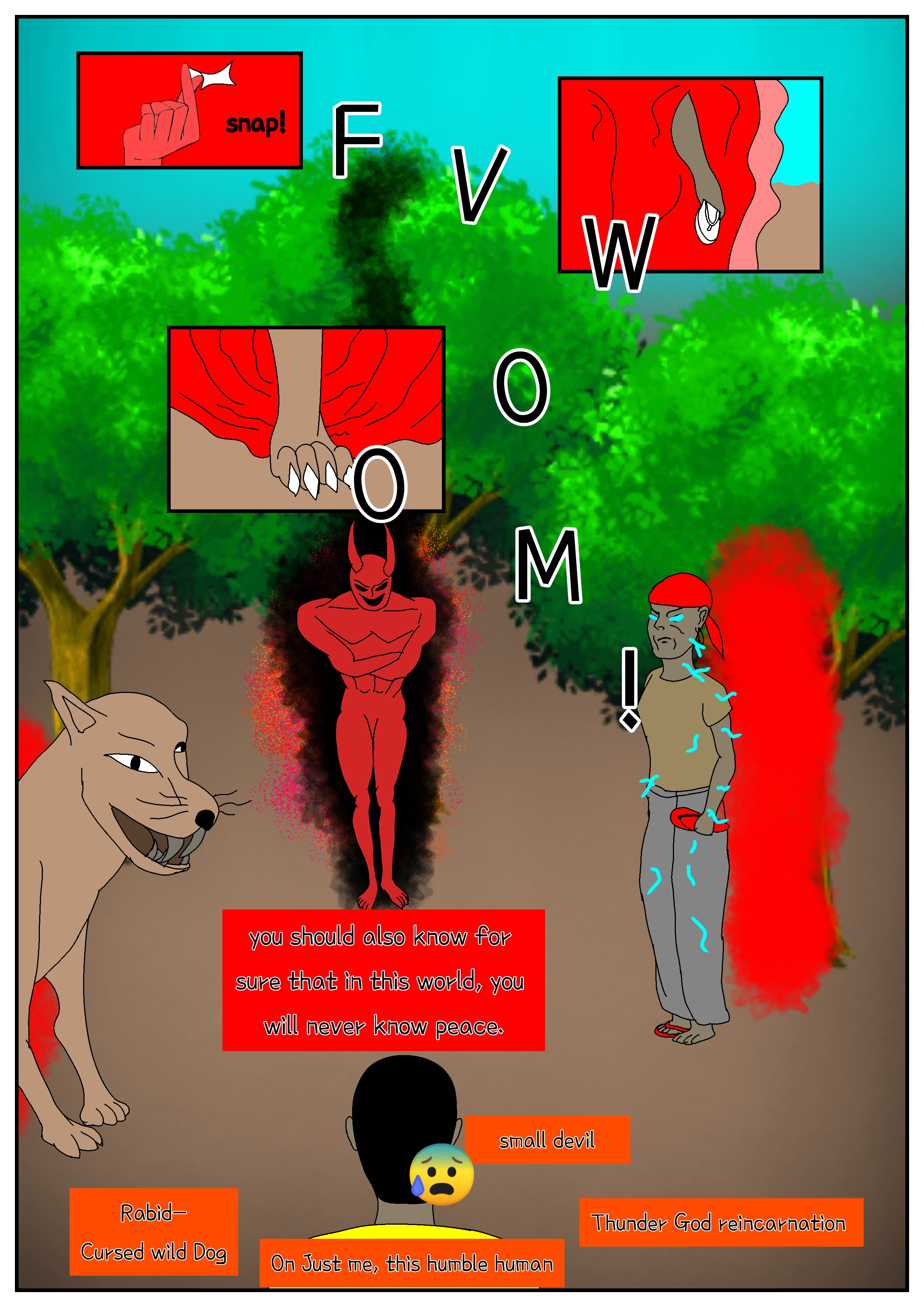


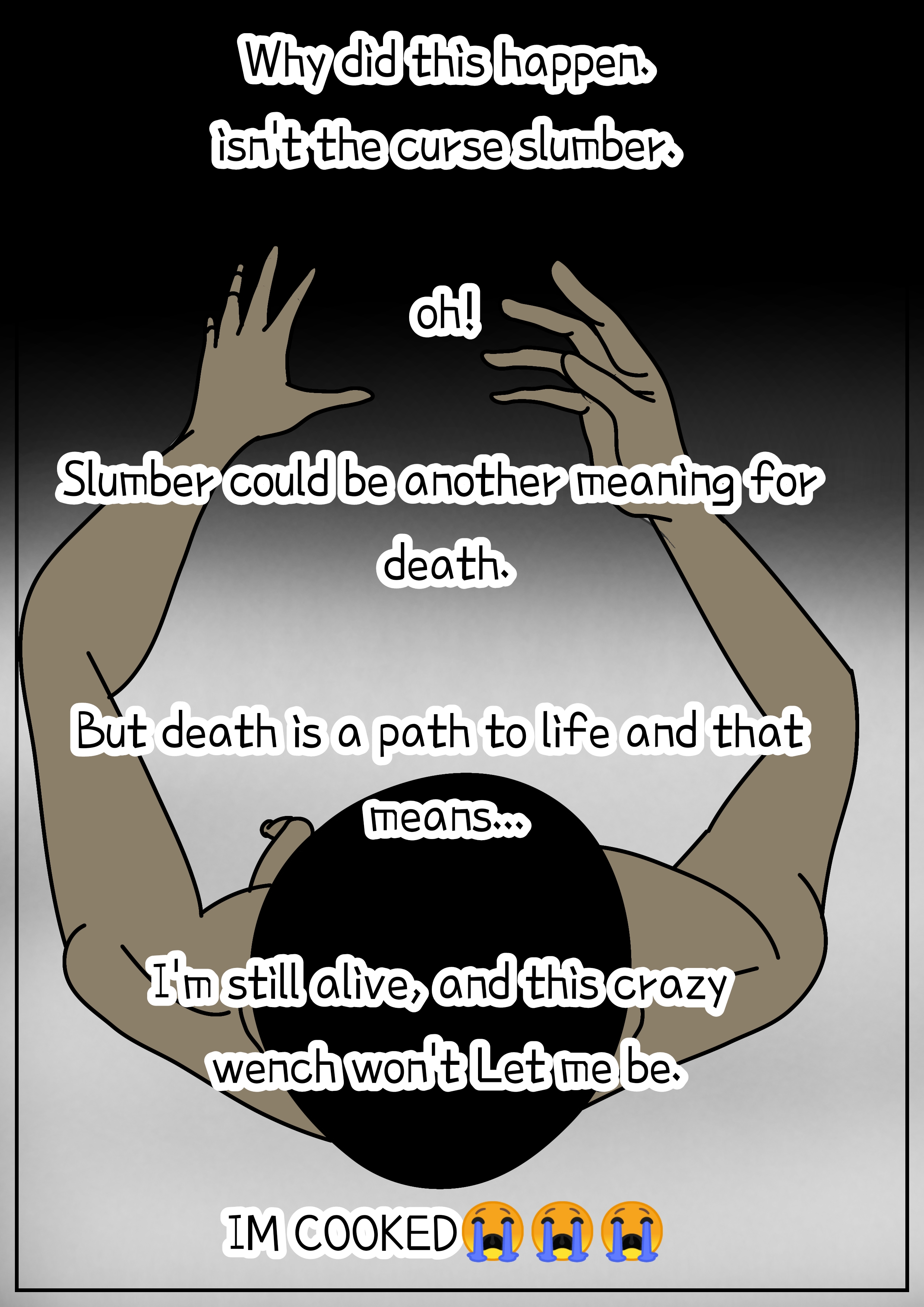
If you’ve come this far, I appreciate you. Thanks for reading. Apologies for releasing late today — I wasn’t finished with the captions.
It’s been a journey, and I’ve finally reached the end of the first curse.
Preparation for the next curse has begun. I’m not sure if I’ll release season two next Tuesday, but I should be ready by Thursday.
Stay tuned for a mass release of time-lapses and some behind-the-scenes.
To Create a Comic (Continued): Tools, Apps, and My Messy Workflow
But let’s cut to the chase. In this post — and probably most of my future writings — I’ll assume it’s a solo job, because I’ve always created my comics solo.
Tools are up to you
You can draw, paint, or scribble on paper, scan it with your phone, and upload it as digital, or photocopy it as physical. You can also go fully digital, like this comic. I’m currently using my Android phone. The choice is yours. You don’t have to abandon what you’re good at to learn something new unless you’re passionate about it — same goes for art generally.
For me, I switch between both and sometimes mix them: manual and digital combined, with digital output. Haha, that’s why the technique is entirely up to the creator — but the output justifies the means (as long as it’s within an acceptable range). I heard someone used urine on a painting just like coffee. Bleerghh.
My digital workflow
To draw digitally, I use special-purpose apps. To convert already-made pen drawings into digital — maybe because I don’t want to redraw with computer lines — I use Comica. It makes the job easier, except I’ll have some trouble painting because I have to use another app and blend the photo with the right colours. I already have a solution to that problem.
For drawing purely on my phone, I use:
- ibisPaint X — for comics and illustrations. Built for Android and pad users; there’s also a PC version, I think. It’s phone-friendly and I like the interface. If you get used to its tools and drawing steps, you’ll basically be soaring in the world of art.
- MediBang Paint / Paint Pro — really good on PC and phone. I used it before ibis on my phone. Great features; if you get used to its environment, you can create a lot. Downside: because of my phone’s RAM, it gets slow and hangs. There are many on-screen tools, and I don’t even know what some do. I find them disturbing, but if you know their usefulness, they’re great.
- Sketchbook — I love it. It mimics real-life drawing tools in the digital world. Shame I find it hard to use for comics, and timelapse recording makes my phone hang. It also doesn’t have a timelapse filter like ibis. If not for needing to save timelapses — and forgetting to hit record — only to realize I can post on Steem without the behind-the-scenes process. (Correction: I can post without the process, but I might not get many upvotes, especially since I’m often unsure what to write unless it’s something I’ve thought about for long — maybe a poem with an image.)
Other apps: Krita, FlipaClip, Clip Studio Paint, Adobe Illustrator. I can’t tutorial those; watch YouTube if you’re passionate. But I can help if you have trouble with something I know or do.
Closing note
I should round this up. This is just basic info from me and my experience — the beginning is when you start and experience it yourself.
Note: if you find one technique easy, improve on it unless you’re ready to bear the hurdles of starting something new. If the end goal is desirable and better than what you have in mind, go on — wisely. What I’m trying to say is: develop passion for something before your growth feels like an achievement.
Ohh, what am I writing.
Anyway, that’s all for this tutorial. Moving forward, we’ll move on in the next art post.
Thanks for reading.
All episodes
Upvoted! Thank you for supporting witness @jswit.