From Tutorial to Table: My Experience Playing Steem 8 Ball
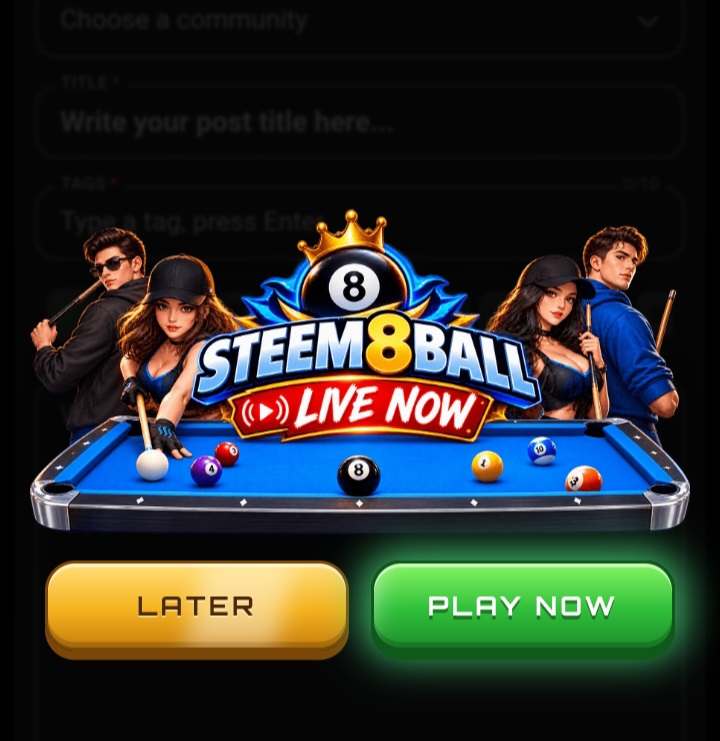
This is the first post I've written of the new year (well new year at the time I am writing this), and I want to share one of the first games I've played – Steem 8 Ball by STEEMX. If you haven't already played Steem 8 Ball, it will quickly become apparent that I'm completely hooked on the game.
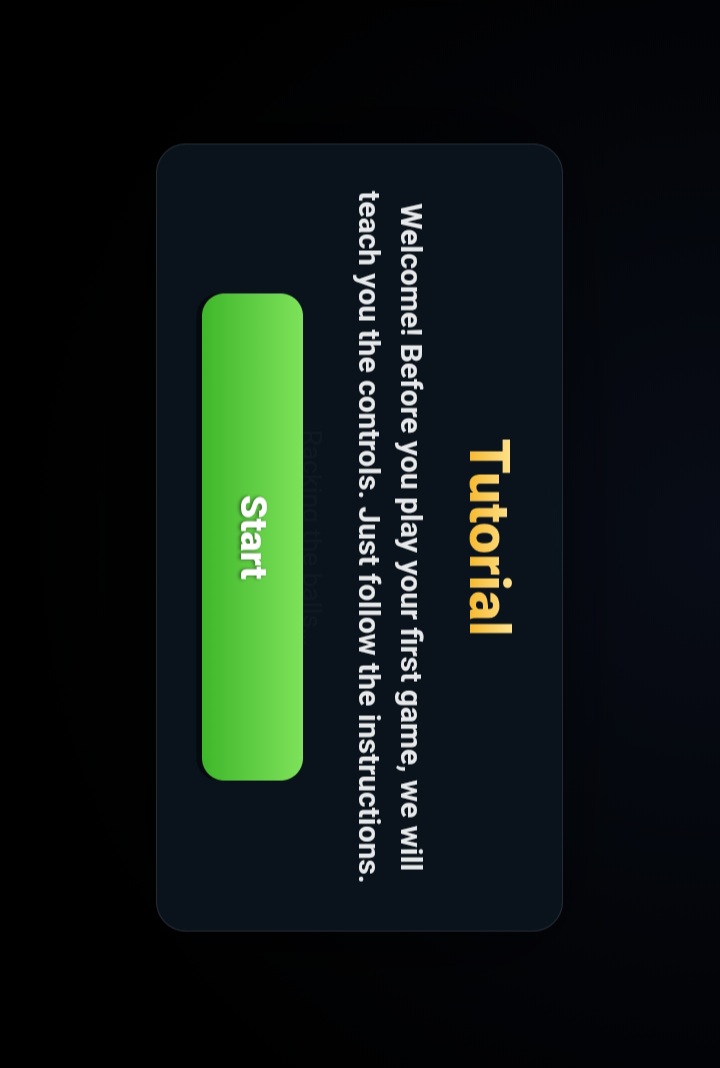
As I loaded into the game for the first time I was greeted by a snazzy loading screen that showed a bright stylized logo, "Lighting the Hall" with a very fiery looking text as the game loaded the assets. As soon as the game loads I get a prompt to do a tutorial to learn the controls and controls setup so I can jump right into an actual match. The tutorial is very easy to follow and explain as I learned setting a cue angle, setting my shot power with the power bar and lining up the cue ball on the green felt table.

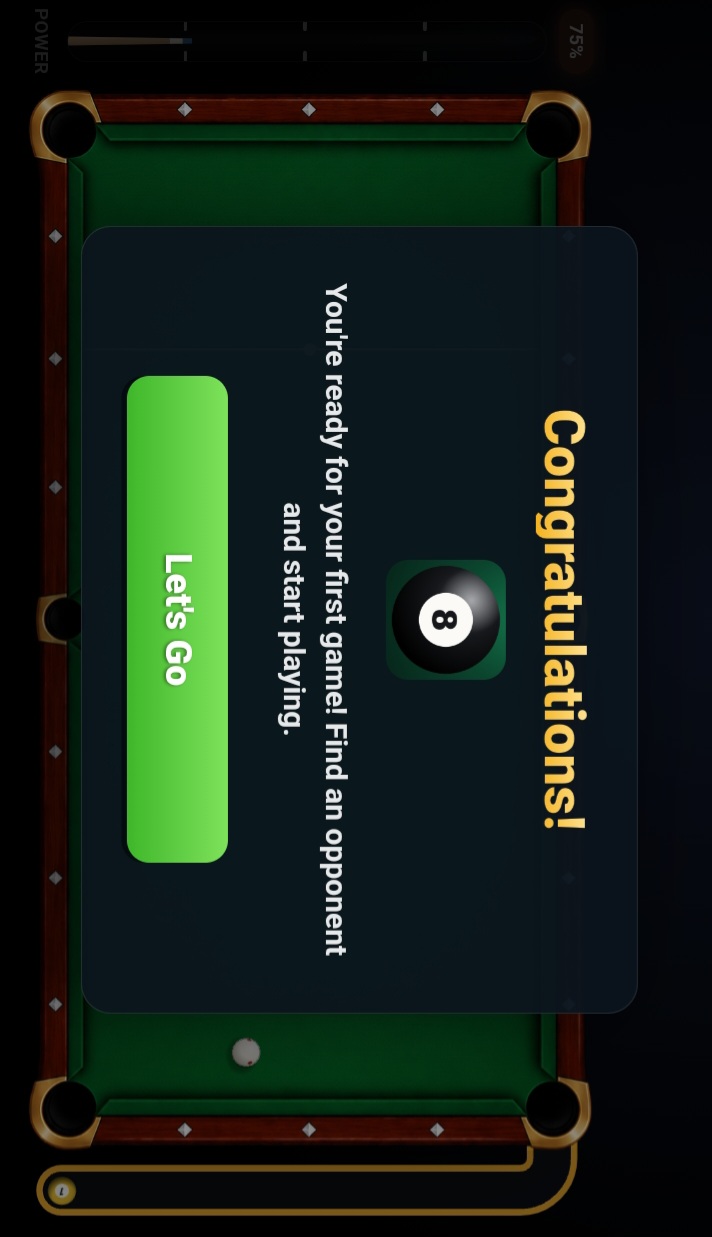
After I finished the practice instructions, I saw: "Congratulations! You're ready for your first game! Find an opponent and start playing" with a green button I could click to get started. Precision-sensing mechanics and the responsive visuals for aiming shots make shooting feels good, as if I'm sitting in a virtual pool hall within my web browser.
 |  |
|---|
What makes this such an easy concept to get behind is a fun arcade style of gameplay mixed with instant multi-player matches. Steem 8 Ball has a clean and inviting interface that's fun for newcomers who want to learn a little about cue-ball placement, and vets who want to hit up quick online matches. The tutorial I finished gave me a good primer on the physics and shot control, and now I can't wait to jump into the full multi-player game and take my pool game on the road.
Thanks for reading my post.