• Sign in
  • Sign up 
  • Welcome
  • FAQ
  • Switch to Night Mode
  • Change Account Password 
  • Vote for Witnesses 
  • Steem Proposals 
  • Developer Portal 
  • Steem Bluepaper 
  • SMT Whitepaper 
  • Steem Whitepaper 
  • Privacy Policy
  • Terms of Service
Steemistry HomeSteemistry
LoginSign up

HOW TO RETRIEVE YOUR IOTA AFTER SNAPSHOT

medfar87 (26)in #cryptocurrency • 9 years ago (edited)
  1. Download the new version IOTA LIGHT WALLET 2.5.0 here https://github.com/iotaledger/wallet/releases/tag/v2.5.0
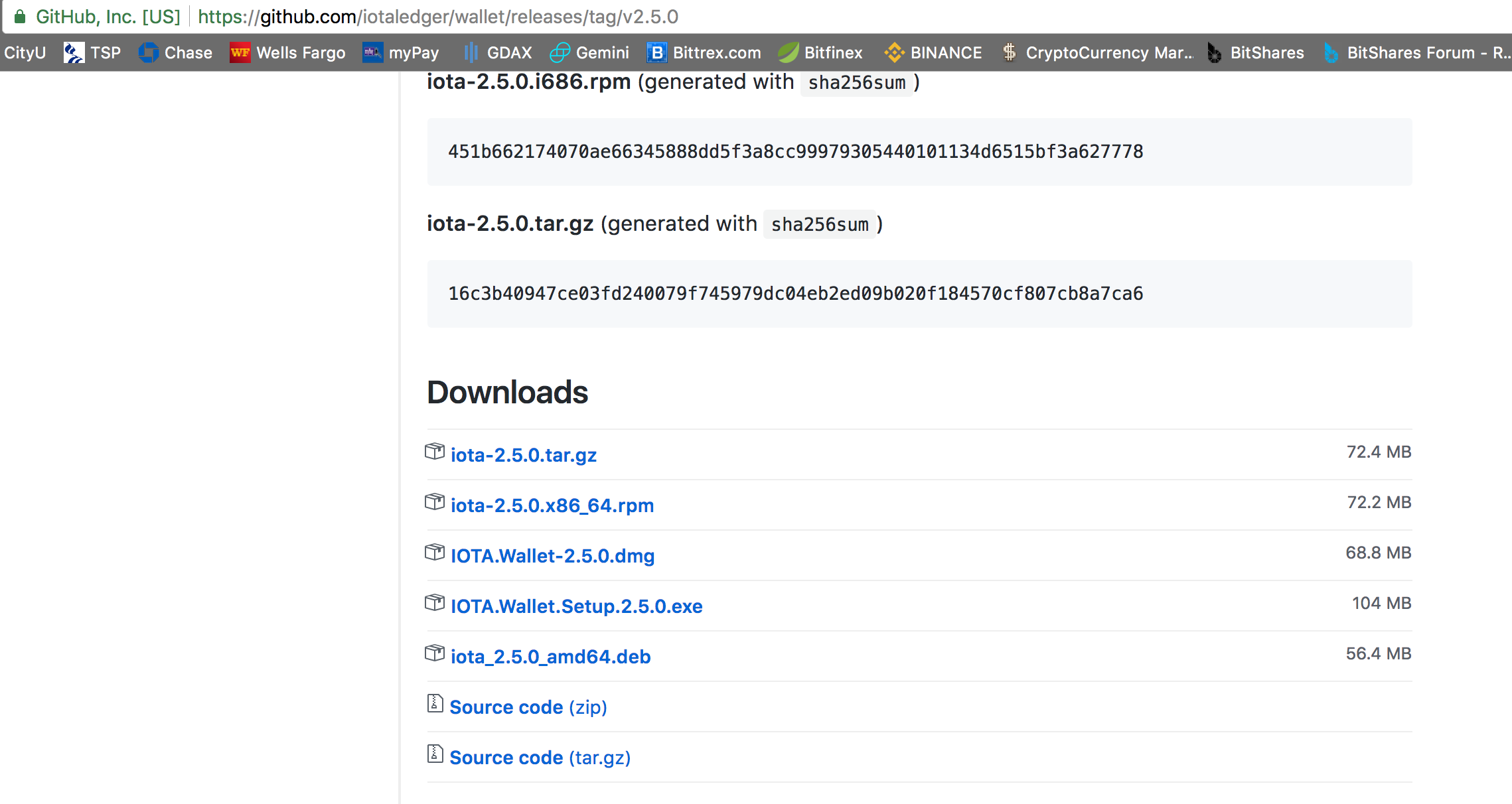
Screen Shot 2017-09-23 at 10.46.07 AM.png

  1. Install wallet

  2. Access wallet using your current seed

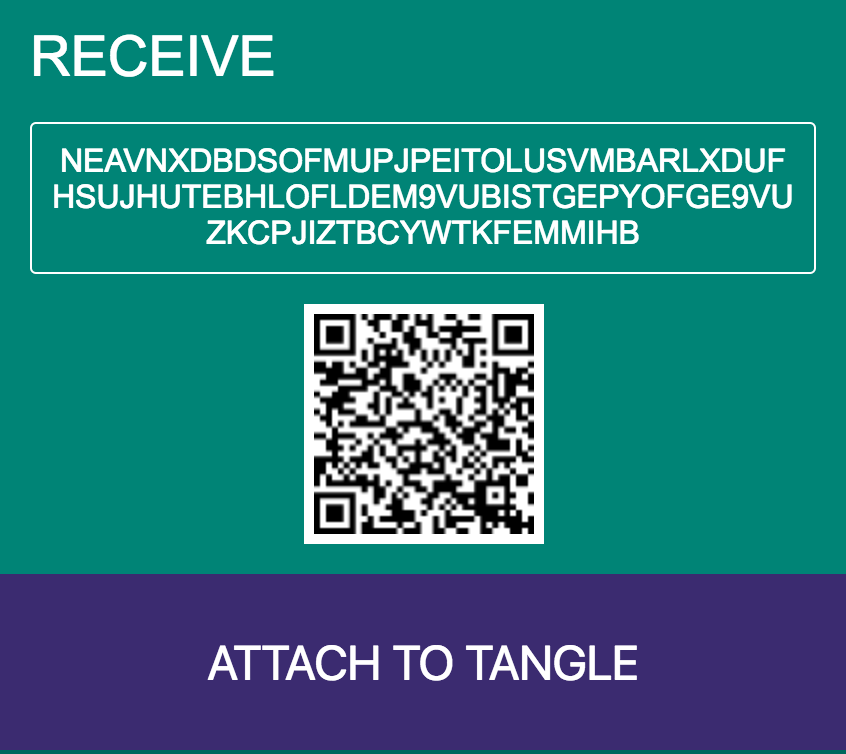
  3. Click on RECEIVE then ATTACH TO TANGLE
    Screen Shot 2017-09-23 at 10.48.49 AM.png

  4. Click on GENERATE NEW ADDRESS
    Screen Shot 2017-09-23 at 10.50.31 AM.png

  5. Repeat step 4 and 5 until you recover your original amount.
#iota
9 years ago in #cryptocurrency by medfar87 (26)
$0.00
    Reply 0

    New to Steemistry?

    • Welcome Guide

    Promoted Posts

    • West Chester Wildlife: Photographs and observations of small birds and other animals in September 2026@remlaps
    • Amplification in Action: A Working Prototype of Reblog with Comments for Steem@remlaps
    • Ten new cards are coming to animalCards [burnsteem100]@remlaps-lite
    View all promoted posts

    Pinned Communities

    • CCC
    • Art & Artists
    • SCB Monkey Business
    • Tales & Stories
    • Steem for Betterlife
    • Trending Communities
    • SteemitCryptoAcademy
    • Newcomers' Community
    • আমার বাংলা ব্লগ
    • Steem Alliance
    • Korea • 한국 • KR • KO
    • Beauty of Creativity
    • Steem For Lifestyle
    • Tron Fan Club
    • AVLE 일상
    • Comunidad Latina
    • Steem Venezuela
    • STEEM CN/中文