How to Supercharge Your Lead Generation with Google Maps Data
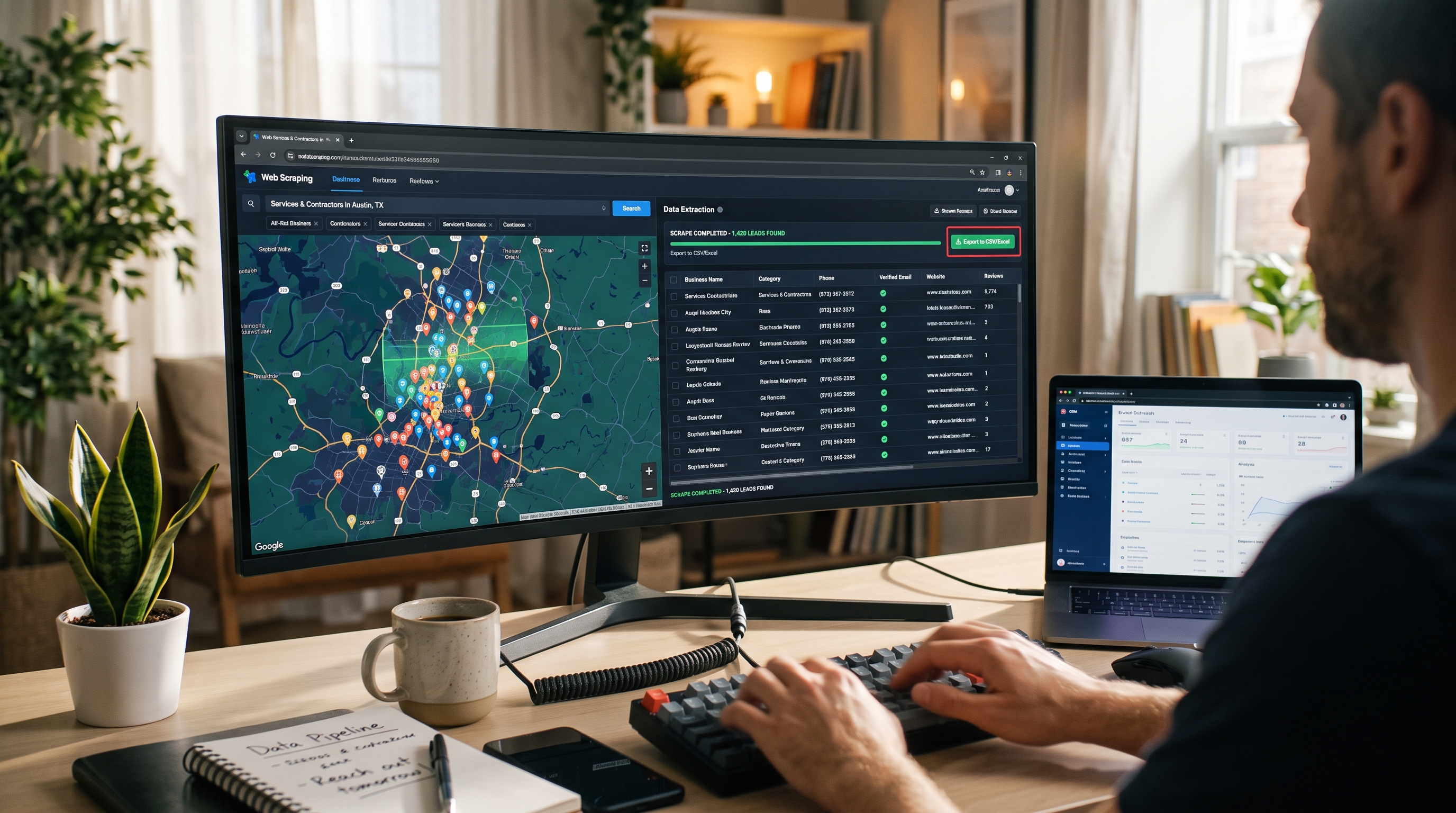
Have you ever sat down on a quiet Friday afternoon, opened up a spreadsheet, and spent three agonizing hours copying and pasting phone numbers from local shop listings?
It feels like trying to empty an entire swimming pool using a disposable plastic spoon. You know the valuable business information is sitting right there on the screen, ripe for the taking. Yet, grabbing it by hand drains your energy, kills your team's momentum, and leaves you wondering why anyone ever chose a career in outbound sales.
The good news? You do not have to live in spreadsheet purgatory anymore. By using modern automation tools, you can turn the world’s most comprehensive directory into a high-powered pipeline of qualified leads without breaking a sweat.
Why Local Business Data Is Pure Gold for Growth
Every day, millions of local establishments keep their operational details updated on the web. They post their store hours, verified phone numbers, direct website links, and physical addresses. For any B2B agency, software vendor, local service provider, or marketing team, that information isn't just an online directory—it is high-octane fuel for your revenue engine.
The Nightmare of Manual Prospecting
Let’s be honest about manual prospecting: it is a soul-crushing bottleneck. When your sales reps spend four hours a day hunting down contact cards, they only spend two hours actually talking to decision-makers. That friction adds up fast. Human error creeps in, digits get swapped, zip codes get missed, and suddenly your outreach bounce rate spikes through the roof.
Turning Google Maps into Your Personal Lead Engine
Imagine treating the planet's largest mapping platform like a private, on-demand rolodex. Whether you are hunting for commercial roofing contractors in Austin, specialty coffee roasters in Seattle, or boutique law practices in London, the records already exist. The real challenge has always been gathering those thousands of scattered records into a clean, workable file before lunch.
Meet Outscraper: Your Automated Scraping Ally
When you need clean, verified local leads at scale, turning to a reliable solution like the Outscraper Google Maps Scraper can transform days of busywork into a five-minute task. Instead of wrestling with brittle custom scrapers that shatter whenever a site changes its layout, you hand off the heavy lifting to dedicated cloud infrastructure designed specifically to harvest public data cleanly.
What Makes Modern Cloud Extraction Different?
Traditional scraping feels like navigating a minefield. You write a script, run it for ten minutes, and suddenly hit a wall of CAPTCHAs, rate limits, and network blocks. Cloud-based scraping platforms flip that dynamic completely on its head by managing the entire backend architecture for you.
No Proxies, No IP Bans, No Headaches
Running your own scrapers usually means paying for rotating residential proxy networks, configuring headless browsers, and constantly troubleshooting network errors. Cloud scrapers bypass that headache entirely. They distribute requests seamlessly across reliable networks, ensuring your scraping jobs finish smoothly without putting your personal IP address at risk.
On-Demand, Real-Time Data Refreshing
Stale contact databases are worse than useless—they actively waste your sales reps' time. When you pull data dynamically, you get the exact information that businesses published today, not an outdated snapshot that has been lingering in a brokered email list since 2021.
Unlocking Growth: Putting Automated Scraping to Work
Data collection should never feel like a high-stakes computer science project. The best growth tools give you an intuitive dashboard: you set your parameters, select your target locations, pick your business categories, and let the software handle the extraction.
By deploying a specialized Google Maps scraping tool by Outscraper, your sales team skips the tedious data entry and jumps straight into closing deals.
Extracting Targeted Contact Info in Minutes
Need five hundred commercial HVAC companies across Southern California? You simply punch in the search term, define the geographic coordinates or zip codes, and hit run. Within moments, the scraper combs through the directory, pulls matching entries, and packages them into a neat CSV, Excel, or JSON export ready for prospecting.
Enriching Business Records Beyond the Surface
A basic listing with just a business name and a street address rarely gets an outbound campaign off the ground. Modern data workflows shine because they go deeper, stitching together multiple touchpoints into a unified profile.
Adding Verified Emails and Phone Numbers
A robust data pipeline does not stop at the map pin. It explores the business's linked website, finds publicly listed contact emails, social media profiles, and direct office lines, and attaches them to the original record. That means your SDRs have multiple ways to start a meaningful conversation right from day one.
Capturing Reviews and Customer Sentiment
Want to spot companies that desperately need your services? Look at their customer feedback. Extracting review counts, star ratings, and review snippets allows you to filter out businesses struggling with customer support or poor visibility. It acts as an instant qualifying signal before you even pick up the phone.
Practical Ways Sales and Marketing Teams Win with Fresh Data
Collecting records is satisfying, but turning that data into revenue is where the magic happens. Here is how forward-thinking teams squeeze real business value out of automated extraction.
Cold Outreach Campaigns That Actually Convert
Generic, spray-and-pray outbound emails end up straight in the spam folder. But when you have rich, granular details—such as whether a business has claimed its listing, its exact operating neighborhood, and its review scores—you can tailor your pitch with pinpoint accuracy. Personalized outreach always beats generic mass blasts.
Hyper-Local Market Research and Competitor Analysis
Are you launching a new service or expanding into a neighboring city? Scraping gives you an aerial view of the local competitive landscape. You can map out competitor density, evaluate which neighborhoods are underserved, and identify prime geographic territories to target next.
Conclusion: Smarter Data Collection for Faster Scaling
Growing a company requires momentum, and momentum dies when your smartest team members are stuck doing robotic manual data entry. By letting intelligent automation handle the legwork of extracting, formatting, and enriching local business leads, you give your sales and marketing teams the freedom to do what humans do best: build relationships, craft compelling offers, and close new deals. Stop wasting hours digging through search results by hand and start putting automated data extraction to work for your bottom line.
Frequently Asked Questions (FAQs)
Is it legal to scrape public data from Google Maps?
Yes, extracting publicly accessible information from public web directories generally complies with legal standards, provided you are gathering public business listings rather than private personal data or confidential records. Always make sure to respect local privacy guidelines like GDPR and CCPA when conducting marketing outreach.
Do I need coding skills to use Outscraper?
Not at all. While developers can interact with Outscraper through comprehensive APIs, non-technical users can run entire extraction workflows directly through a user-friendly web interface and export results straight to Excel or CSV files.
What kind of data points can I extract?
You can extract an extensive range of business attributes, including business names, full addresses, phone numbers, website URLs, latitude and longitude coordinates, star ratings, total review counts, operational hours, popular times, and associated social media handles.
How does Outscraper handle anti-bot protections?
Outscraper uses managed cloud infrastructure with dynamic request handling and rotating network resources. This setup prevents IP throttling, bypasses automated bot barriers, and ensures fast, consistent delivery of large extraction orders without interruptions.
Can I export the data straight into my CRM?
Yes. Once your scraping job finishes, you can download the structured data in standard formats like CSV, Excel, or JSON, which import directly into popular CRMs such as HubSpot, Salesforce, Pipedrive, or Zoho. You can also connect via webhooks and integrations for seamless automated syncing.
Sounds like a game‑changer! Have you tried using Google Maps’ place ID to pull structured data directly into your CRM—would that cut the manual copy‑paste step even further? 🚀🤖🌍