How to Provision Dedicated Servers with Ansible: A Step-by-Step Guide
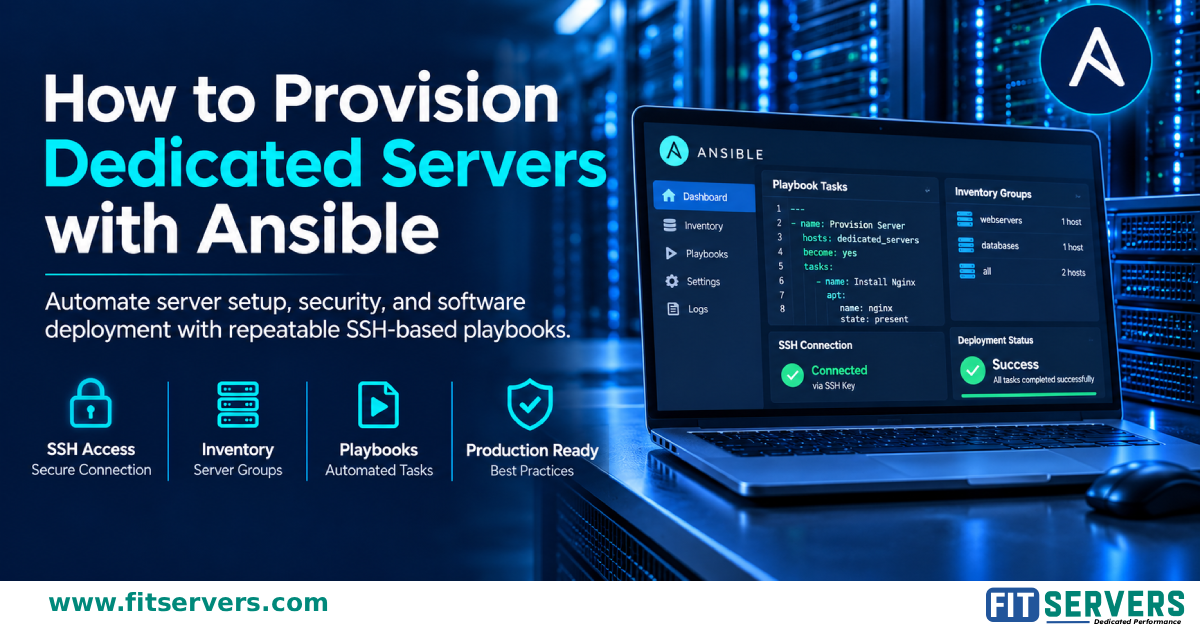
Automate Your Dedicated Server Setup with Ansible
Setting up bare-metal servers by hand is repetitive and error-prone. Ansible is an agentless automation tool that works over SSH, so you can configure servers from a single YAML file and repeat the result anywhere.
What you will learn
- Installing Ansible on a Linux, macOS, or WSL control node
- Building an
inventory.inifile to group and connect to your servers - Writing a playbook that creates a sudo admin user, deploys SSH keys, installs Nginx, and configures the UFW firewall
- Running the playbook and reading the
ok/changedoutput - Production best practices: Roles, Ansible Vault, Handlers, and Git version control
Quick example
ansible all -i inventory.ini -m ping
ansible-playbook -i inventory.ini provision.yml
Important safety note
The example playbook enables a default-deny firewall. Always allow SSH (port 22) first, and test on a non-production server to avoid locking yourself out.
Why it matters
Ansible modules are idempotent, so running a playbook repeatedly only changes what does not match your desired state. That makes deployments predictable and auditable.
📖 Read more
Full tutorial with all code blocks and FAQs:
https://www.fitservers.com/tutorials/howto/provision-dedicated-servers-ansible/
Originally published on Fit Servers.