Powerup and win/ 100 STEEM

Hello everyone in this wonderful community! 👋
I hope you all are having an amazing and productive week. I want to extend my warm greetings to every member, reader, and fellow participant here.
A special shoutout and big thank you to our host, @alexanderpeace, for organizing and bringing back this incredible initiative. Contest series like this truly inspire us to keep building our accounts, increasing our Steem Power, and growing our influence within the ecosystem.
My Journey in this Contest Series
This contest has quickly become one of my favorite activities on Steemit!
- 1st Participation: The very first time I joined this contest, I fell in love with the idea of actively growing my account rather than leaving my tokens liquid. On that day, I powered up 100 STEEM.
- 2nd Participation: On my second entry, I was able to power up 50 STEEM.
- 3rd Participation (Today): Today marks my third time participating! I had been praying and believing God for another opportunity to power up a solid 100 STEEM.
Initially, I was waiting for my liquid balance to reach 100 STEEM, but I was sitting a bit below it. However, when I claimed my pending post rewards, my balance instantly leaped to 106.996 STEEM! Seeing that, I knew today was the exact day to hit my goal and power up 100 STEEM once again.
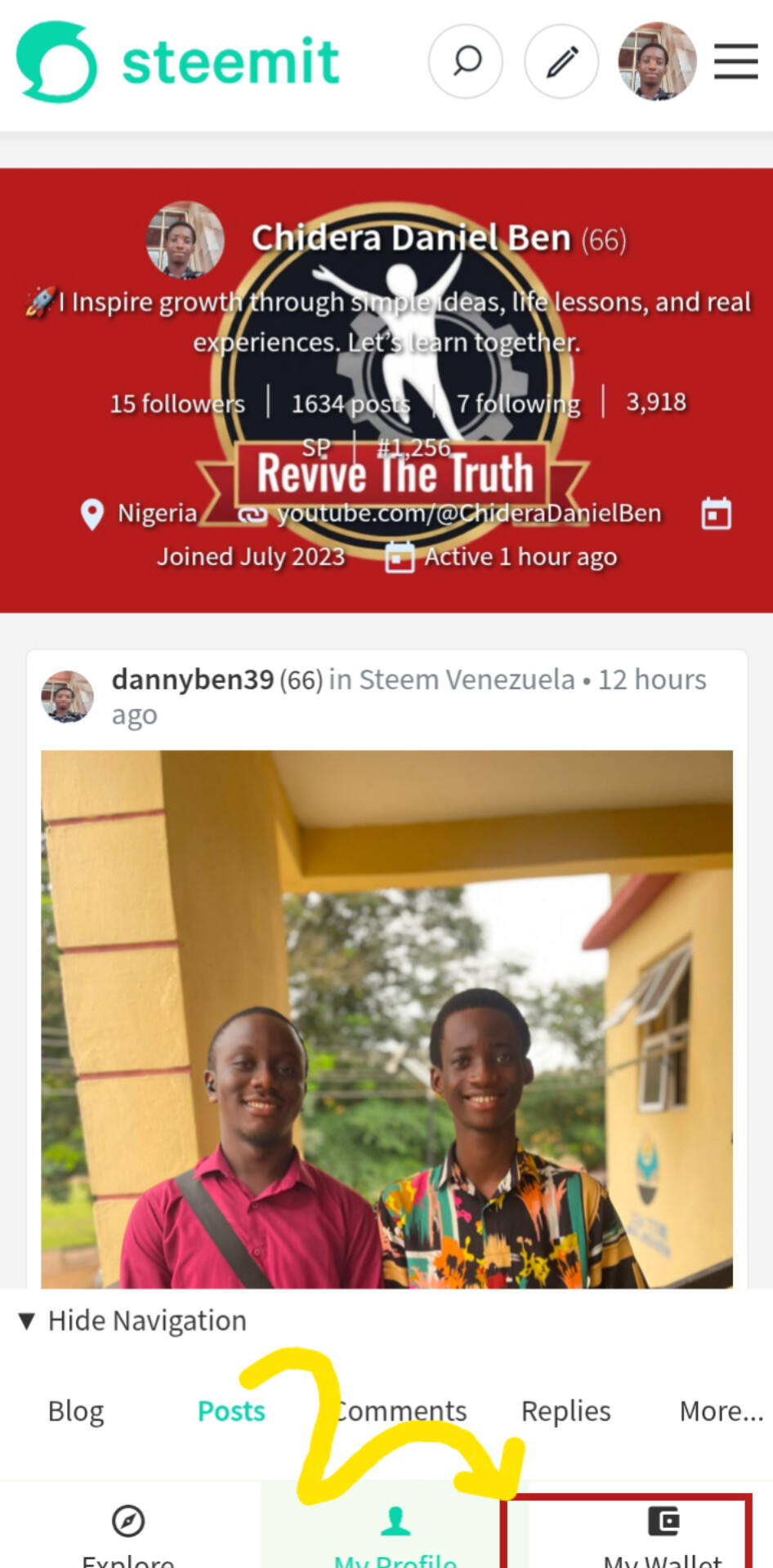
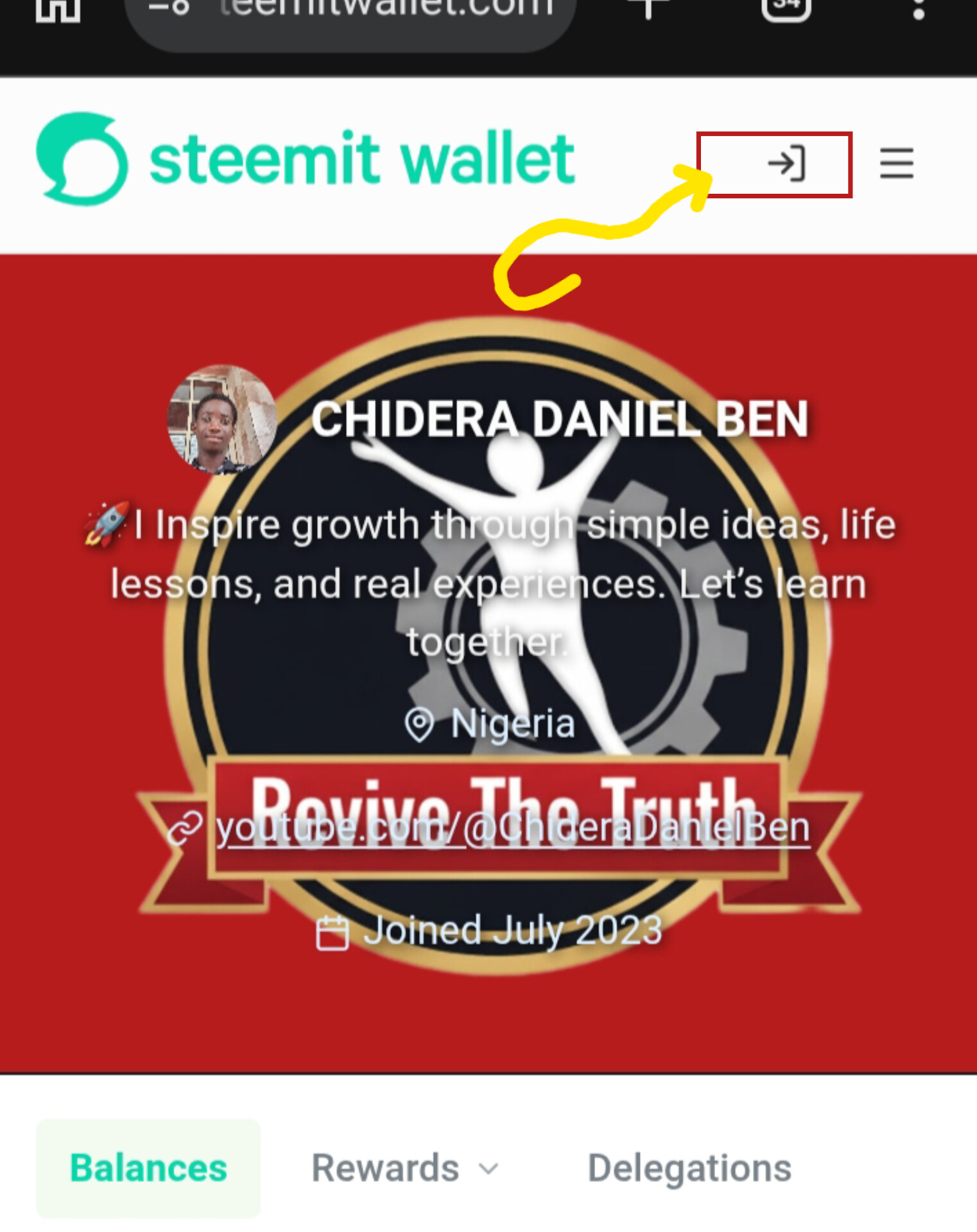
| Checking My Initial Balances | 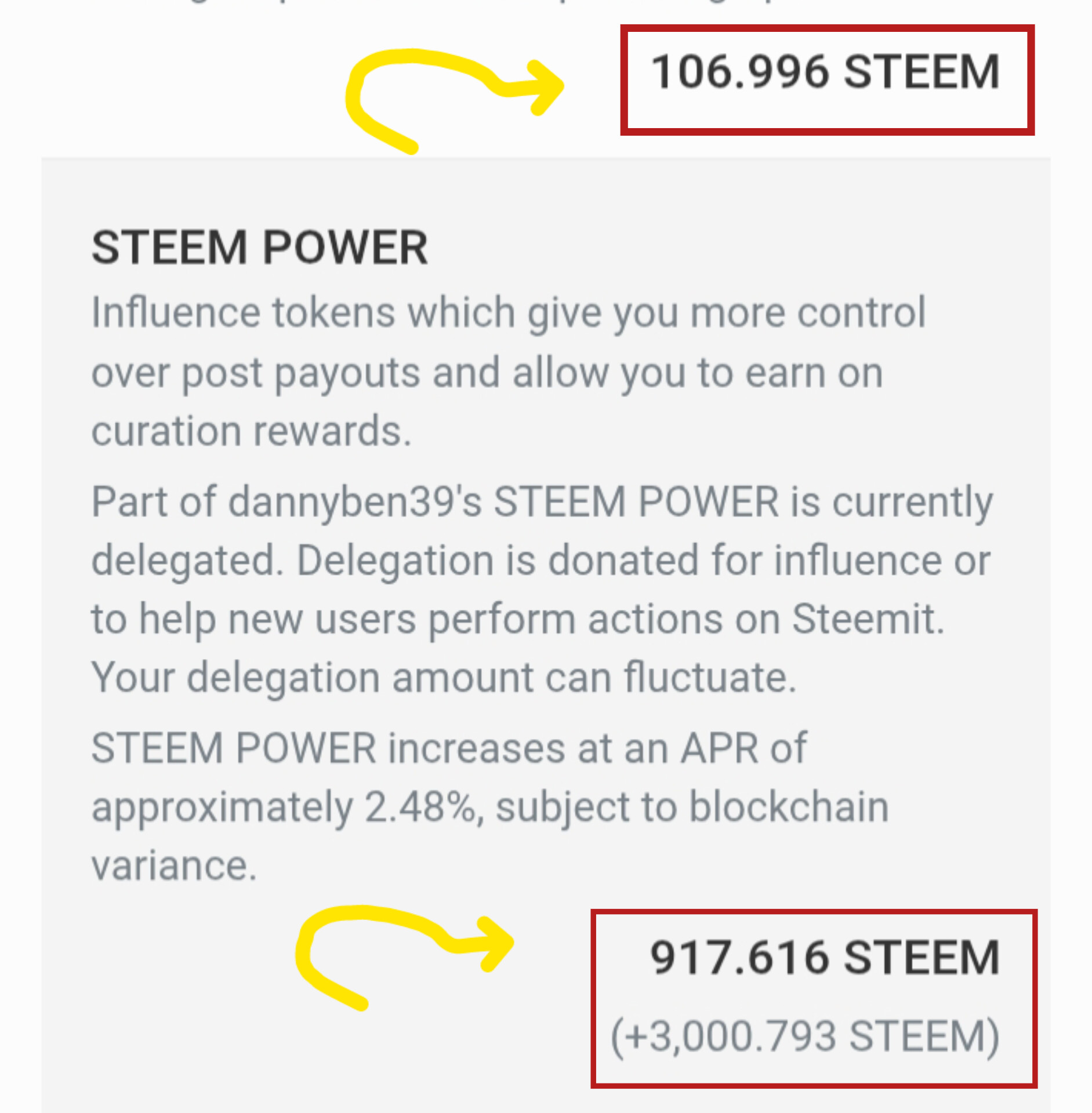 |
|---|
STEP 3:
Before making any moves, I verified my starting figures. My liquid STEEM balance was 106.996 STEEM, while my STEEM POWER was 917.616 STEEM.
 | Secure Logging In |
|---|
STEP 4:
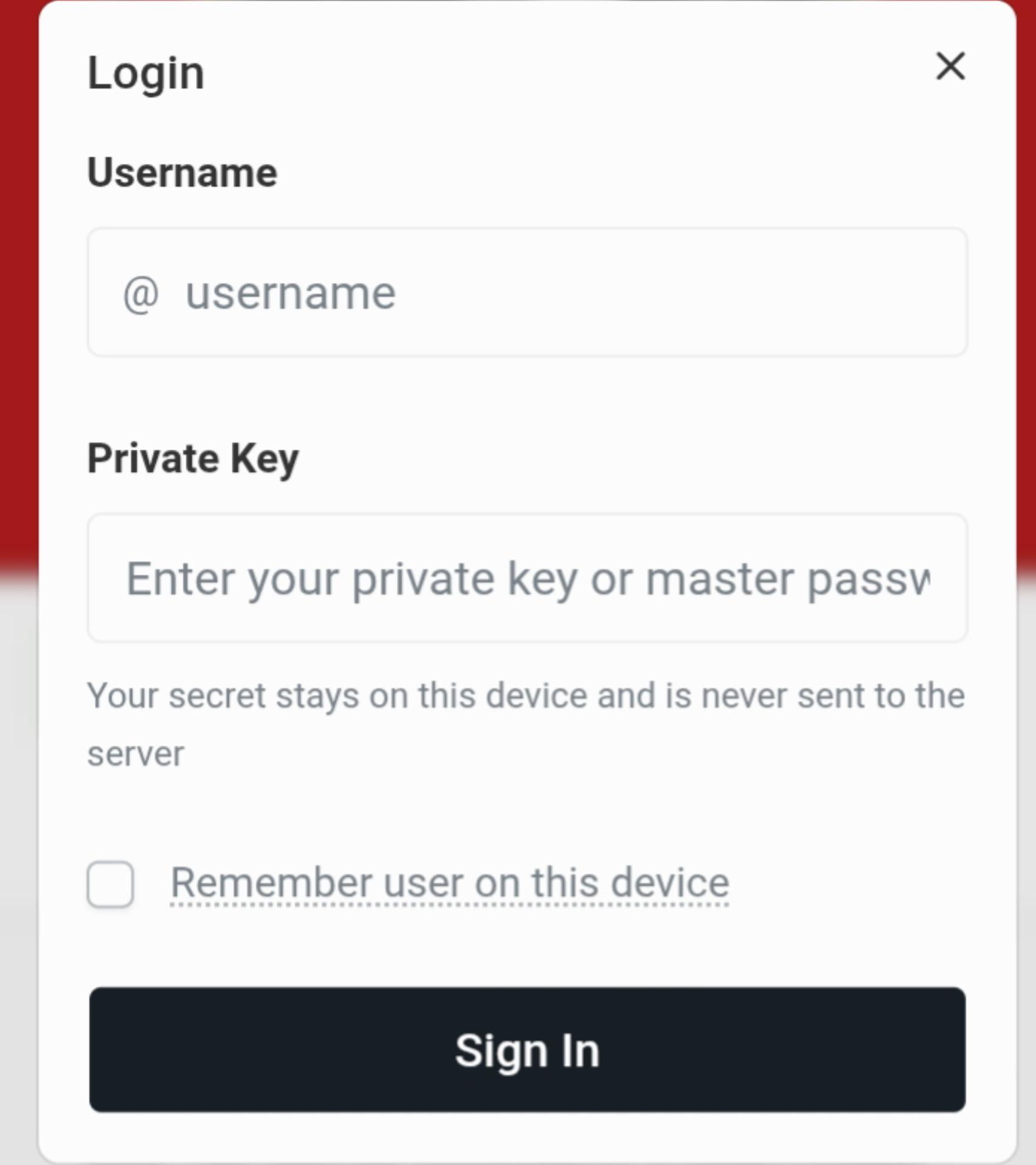
I entered my username (@dannyben39) and my private key into the secure login pop-up box, then tapped on "Sign In" to unlock my wallet operations.
STEP 5:
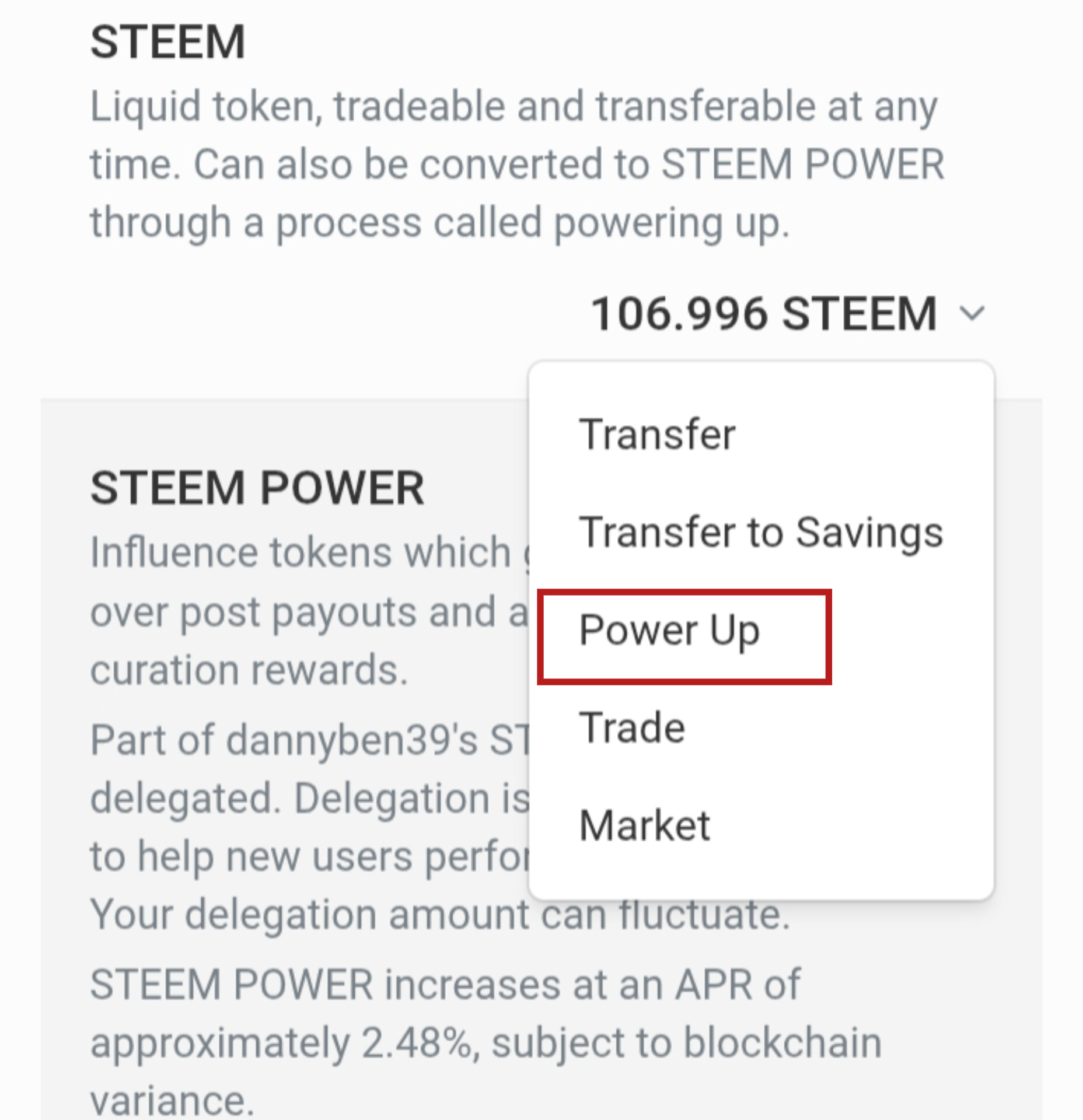
Next, I clicked the small drop-down arrow next to my liquid 106.996 STEEM balance. From the menu list, I selected "Power Up".
| Entering the Amount & Final Confirmation | 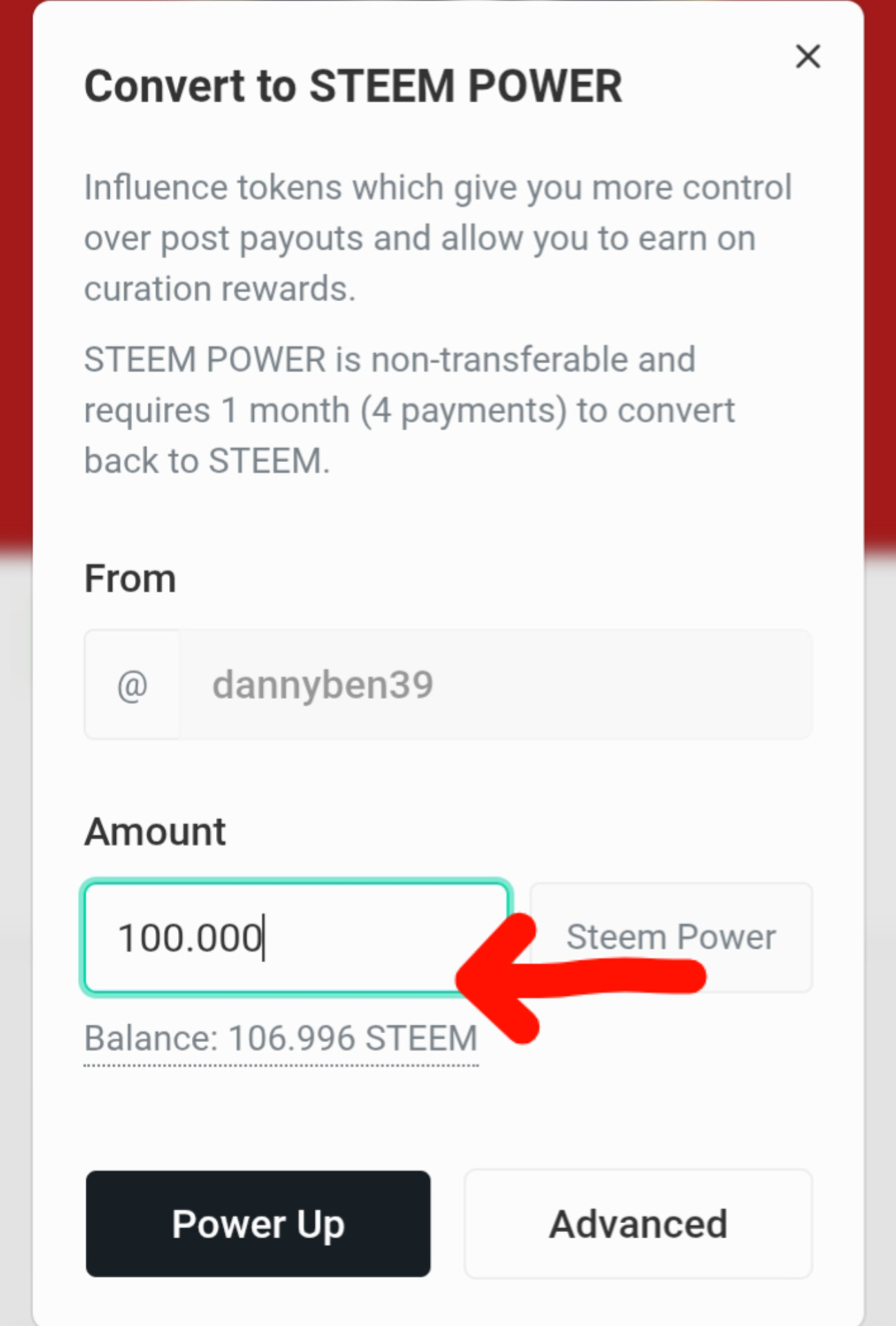 |
|---|
STEP 6:
In the "Convert to STEEM POWER" prompt window, I typed in 100.000 in the Amount box and clicked "Power Up".
Success & New Wallet Balance!|
STEP 7:
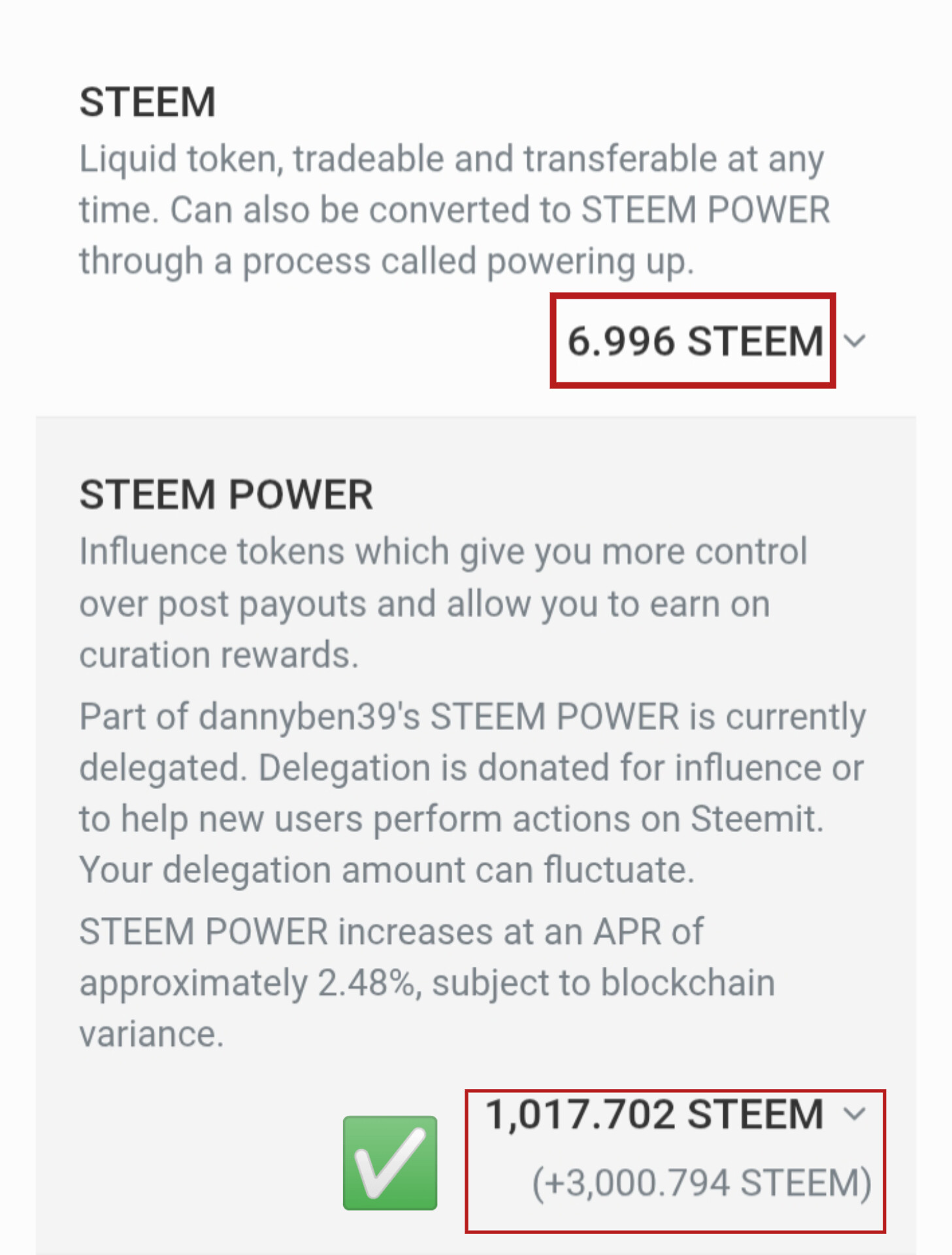
The transaction went through instantly! My liquid balance reduced to 6.996 STEEM, while my Steem Power officially broke the 1,000 threshold, moving from 917.616 STEEM to 1,017.702 STEEM!
Why Powering Up Matters to Me
Powering up isn't just about winning a contest; it is about building equity and authority on the blockchain:
- Increased Voting Power:
By pushing my Steem Power past 1,000 SP, my vote value increases, allowing me to support creators I love with bigger rewards. - Account Security & Growth:
Liquid STEEM can easily be spent, but powering up locks it into an asset that earns passive curation rewards while keeping the network strong.
My invitations to
CC.
@alexanderpeace
Thanks 👍